How I Broke Free from Short-Form Video Addiction and Recommendation Algorithms
Bad Habits I Wanted to Kill
I had two bad habits I wanted to get rid of:
- Short-form video addiction (YouTube Shorts, Instagram Reels)
- Browsing recommendation algorithms (tapping Instagram Explore, scrolling YouTube home/suggested videos)
I wanted to kill these habits because:
- I was unintentionally spending way too much time on them.
- After watching, the content kept replaying in my head and my brain felt sluggish.
- It cost me a lot to refocus on other tasks afterwards.
- I felt like I was losing my agency to algorithms designed by big tech companies.
- It felt like being a lab rat, nudged to behave exactly as they intended. Even with a strong sense of purpose, I couldn't block the clickbait thumbnails screaming for attention in my peripheral vision. Ugh! The worst part was not being able to tune them out. YouTube and Instagram don't give users that option, and I didn't think they ever would.
I wanted to seek content only when I chose to.
What Worked
After years of trying different approaches, here's what actually stuck:
- I stopped using the YouTube and Instagram mobile apps.
- Using the mobile app is like walking into their territory. Like sticking your head into a crocodile's open mouth and hoping to get out unscathed. The moment you're inside the app, you have almost zero control.
- There's no option to remove the "Shorts" or "Reels" tab in the apps.
- The obvious downside: you lose app-only features.
- I ended up mostly quitting Instagram. I only install the app when I need to message someone I only know through Instagram, when I frequently need information only available there, or when I want to post something (once in a blue moon when I draw something or take a photo I'm proud of).
- I use YouTube and Instagram only in a web browser, with extensions.
- The moment you switch to a browser, you gain an enormous amount of control.
- Browser extensions that reduce distractions let you take over YouTube and Instagram pages.
- Search the Chrome Web Store and you'll find plenty. SocialFocus - Hide Feeds, Shorts & Distractions works best for me as an all-in-one solution.
- You can hide or remove home feeds, suggested videos, and Shorts/Reels tabs individually.
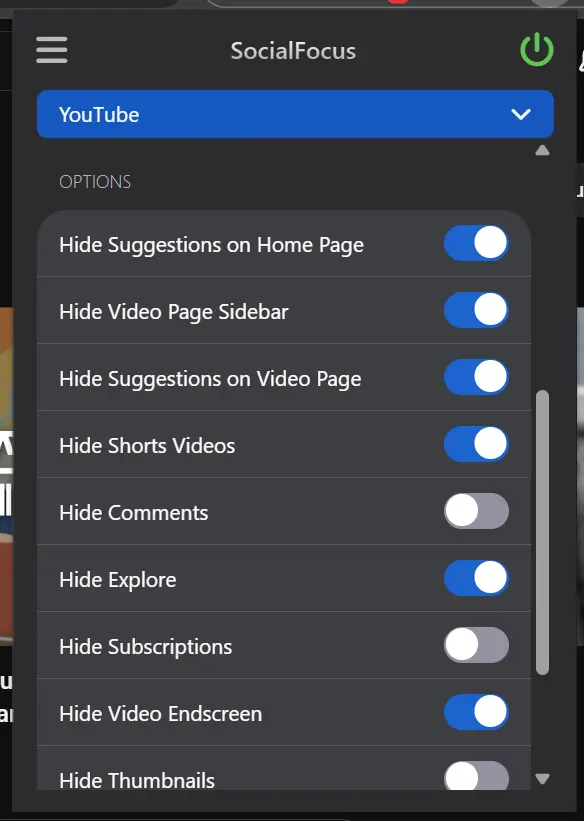
SocialFocus Chrome extension settings 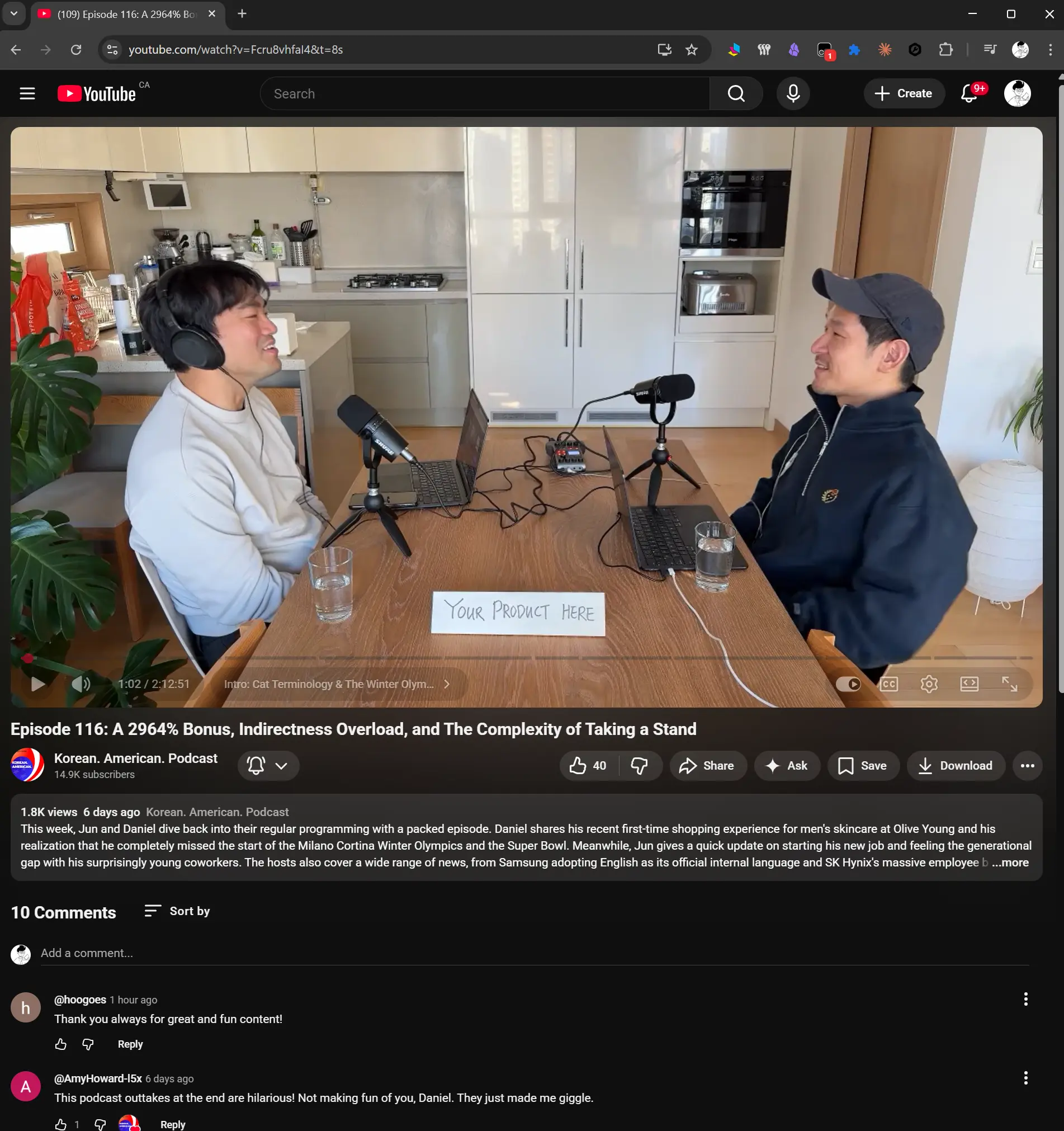
No suggested videos even while watching a YouTube video! - For anything extensions don't cover, Tampermonkey fills the gap.
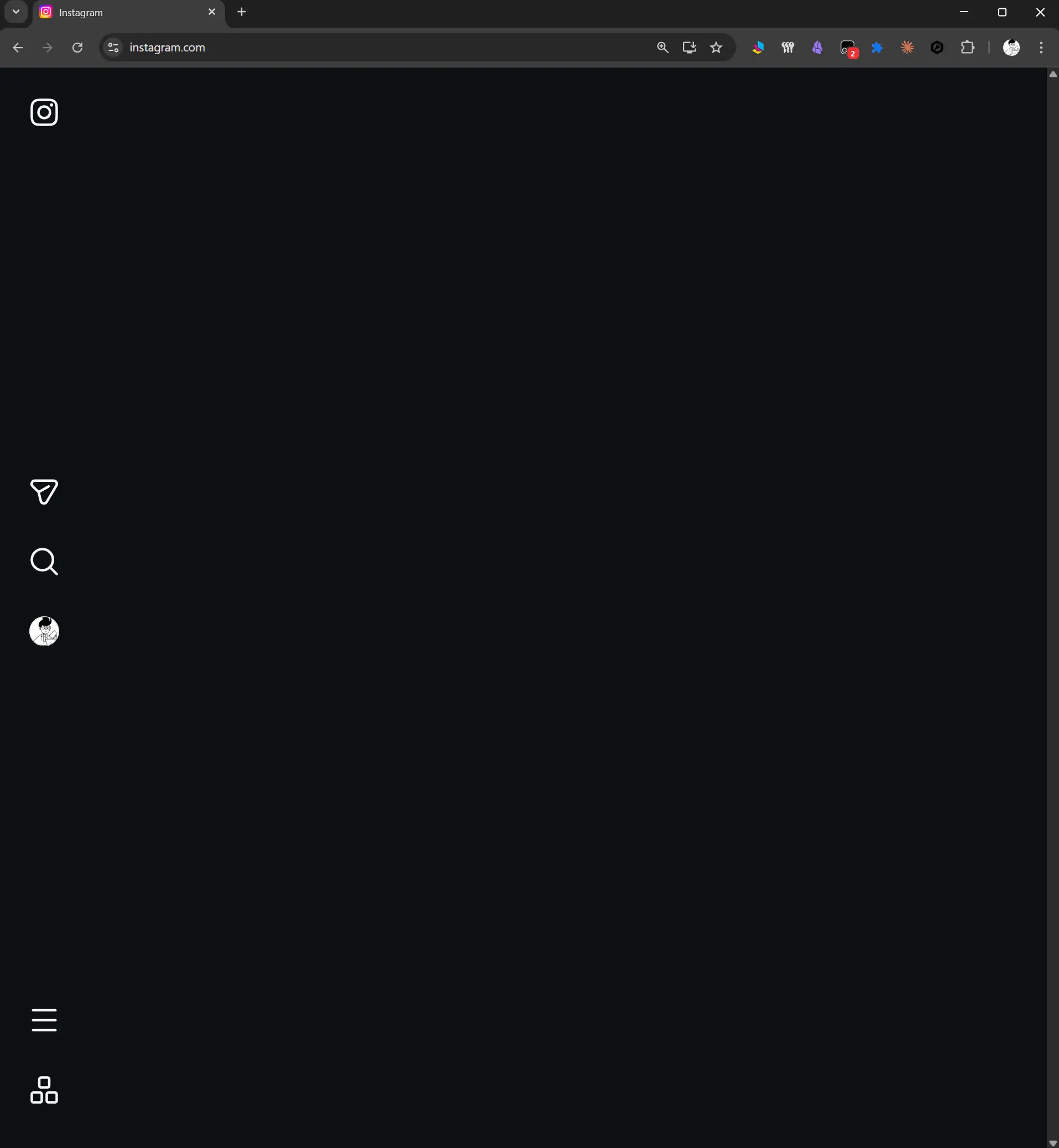
My Instagram home screen - nothing to see here. - SocialFocus couldn't fully hide Instagram's home feed, so I wrote a custom script to do it.
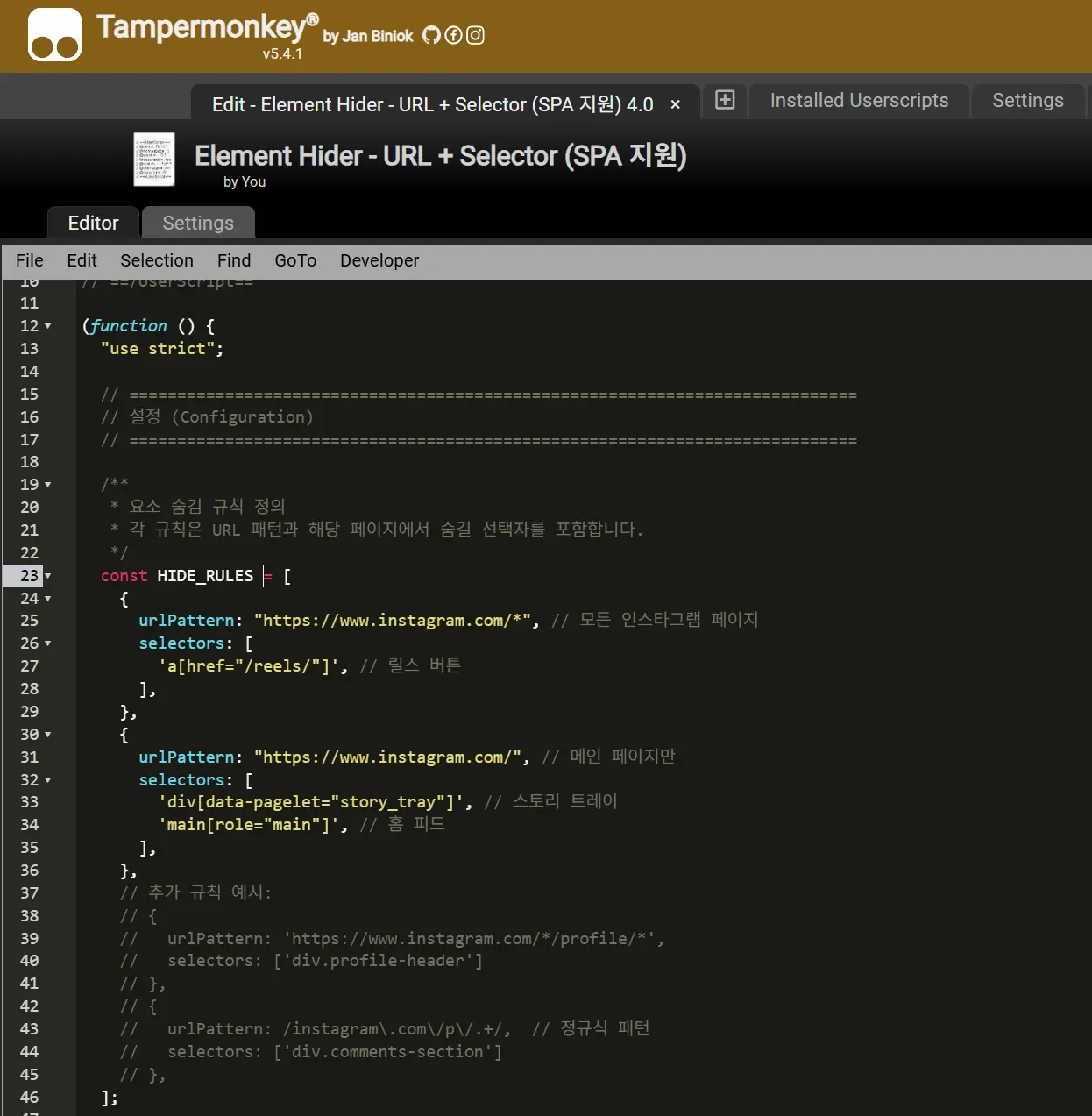
Part of the userscript - easy to build with AI.
- SocialFocus couldn't fully hide Instagram's home feed, so I wrote a custom script to do it.
Bonus: Redirecting Habitual Sites
The beauty of awareness!
- I built a URL redirector Chrome extension to block sites I visit on autopilot.
- When you type a URL or click a link to one of those sites, it automatically redirects you to a page I've chosen. It keeps me from mindlessly landing on content I didn't intend to consume.
- If you still want to visit after being interrupted, you have to consciously disable the redirect - and that friction is great. It forces you to compare the value of what you were doing versus what you're about to do (killing time browsing communities).
- I built it with AI, never published it, and have been using it for over six months. One of AI's practical benefits - before AI, I would've kept putting it off because building a Chrome extension felt like too much hassle.
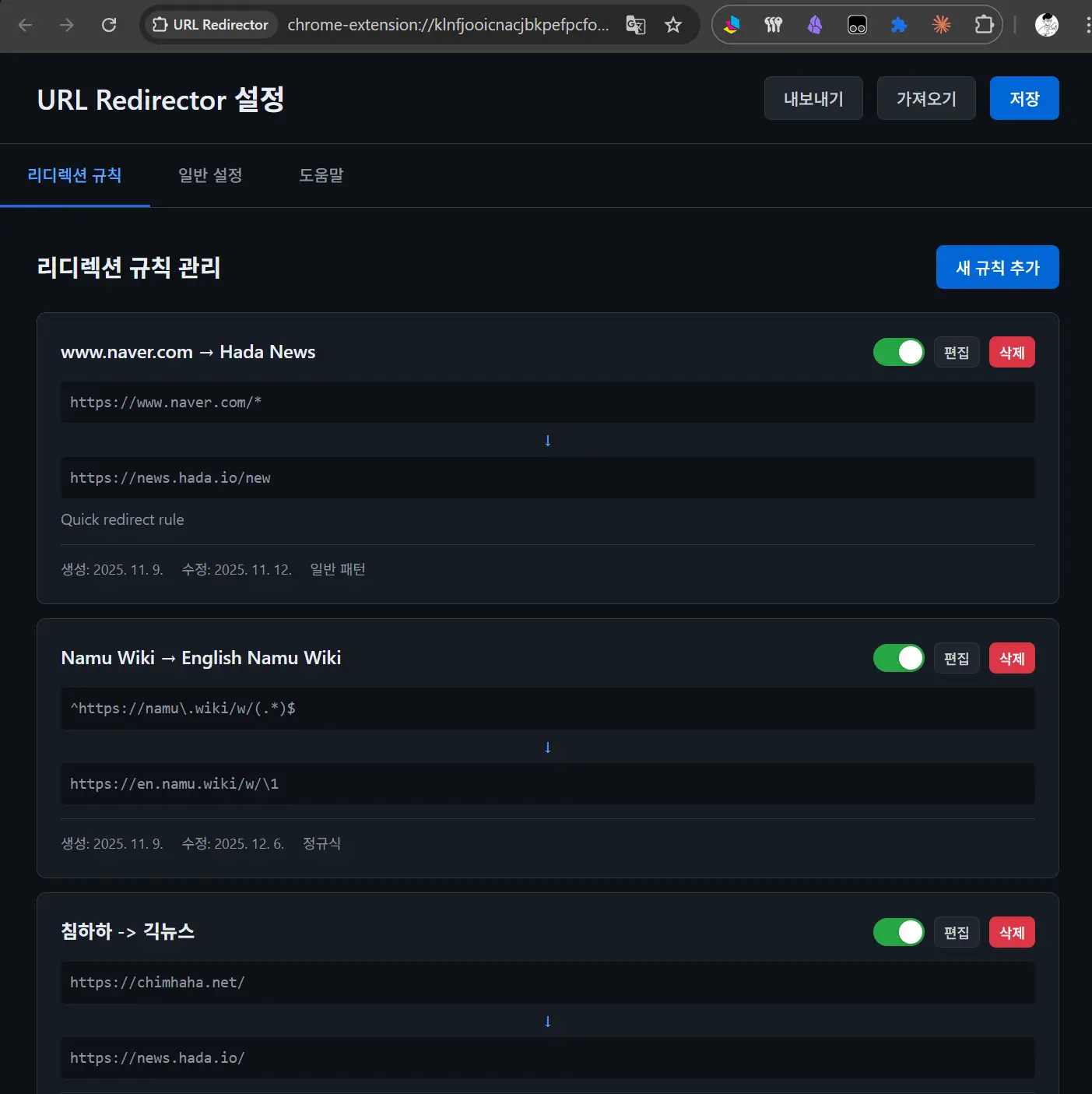
URL Redirector settings
For now, I prefer a life where I still get to choose whether to be recommended to or not.
References
- SocialFocus - Hide Feeds, Shorts & Distractions
- Paid on iPhone Safari.
- You can install it on mobile via the Orion browser.
- Paid on iPhone Safari.
- Unhook - Remove YouTube Recommended & Shorts
- Tampermonkey